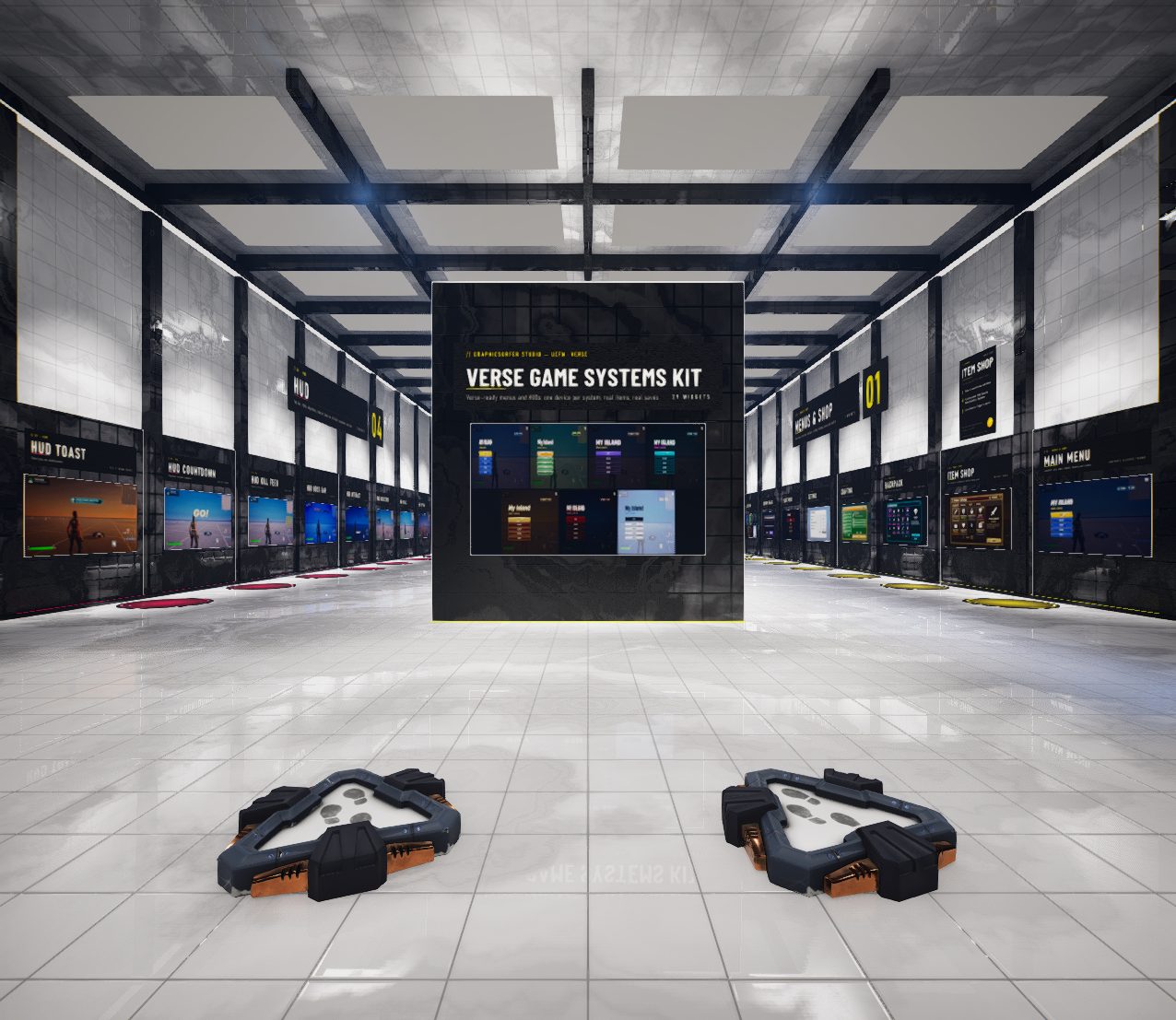
Verse Game
Systems
29 plug-and-play menus and HUDs for UEFN. One Verse device each, seven themes, one shared save.
- 29 devices, each with its own .verse file
- Seven themes and one shared save
- Most work on default settings; Verse calls and events when you want them
Verse devices,
six groups
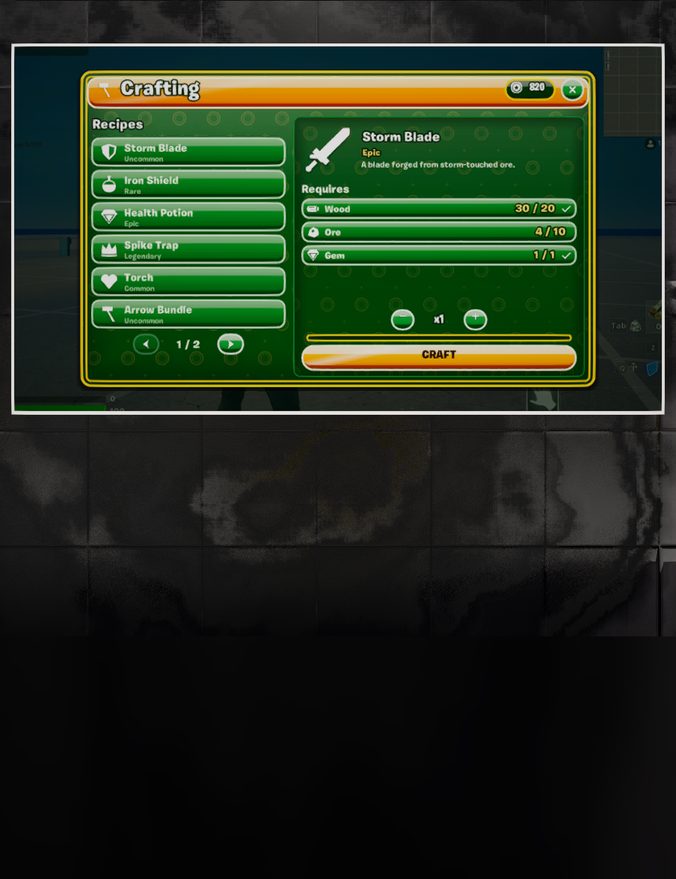
Store, Crafting, Battle Pass, Quest Log, Skill Tree, Backpack, Main Menu, Kill Feed, Dialogue, Leaderboard, Countdown and more. Each is one device with its own .verse file. Most work on their default settings, and every one has Verse calls and events when you want to drive it from code.
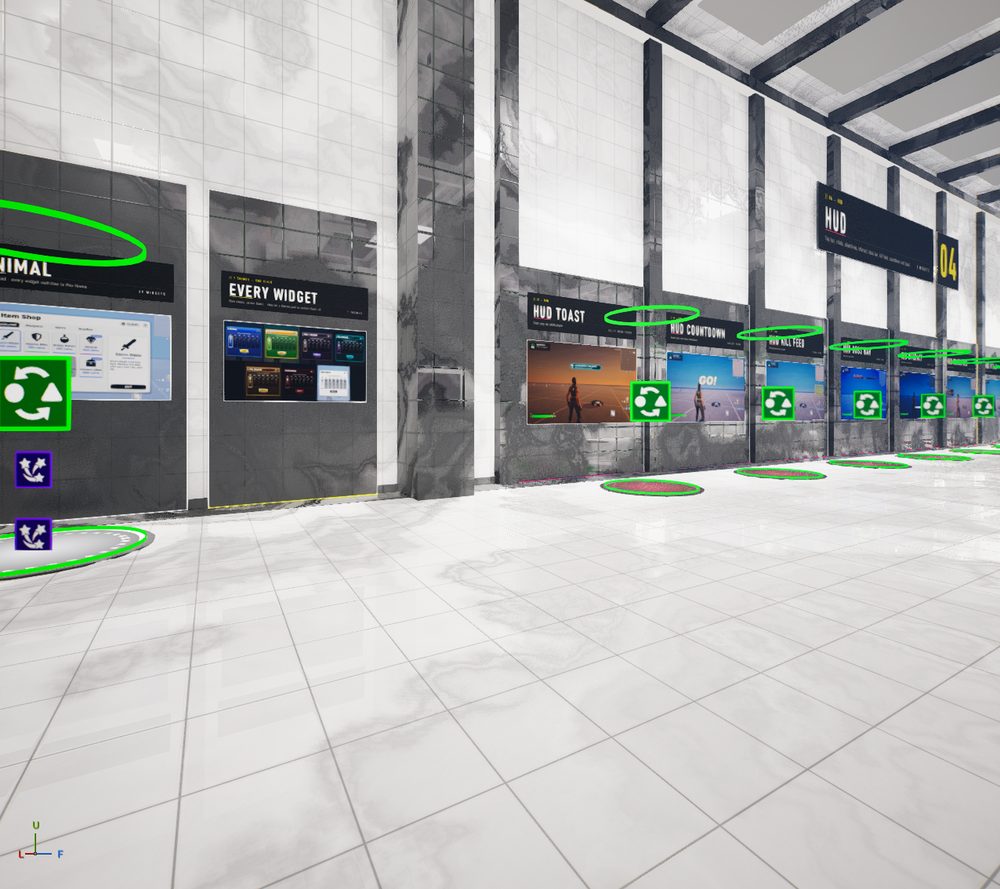
Try it
before you
build it
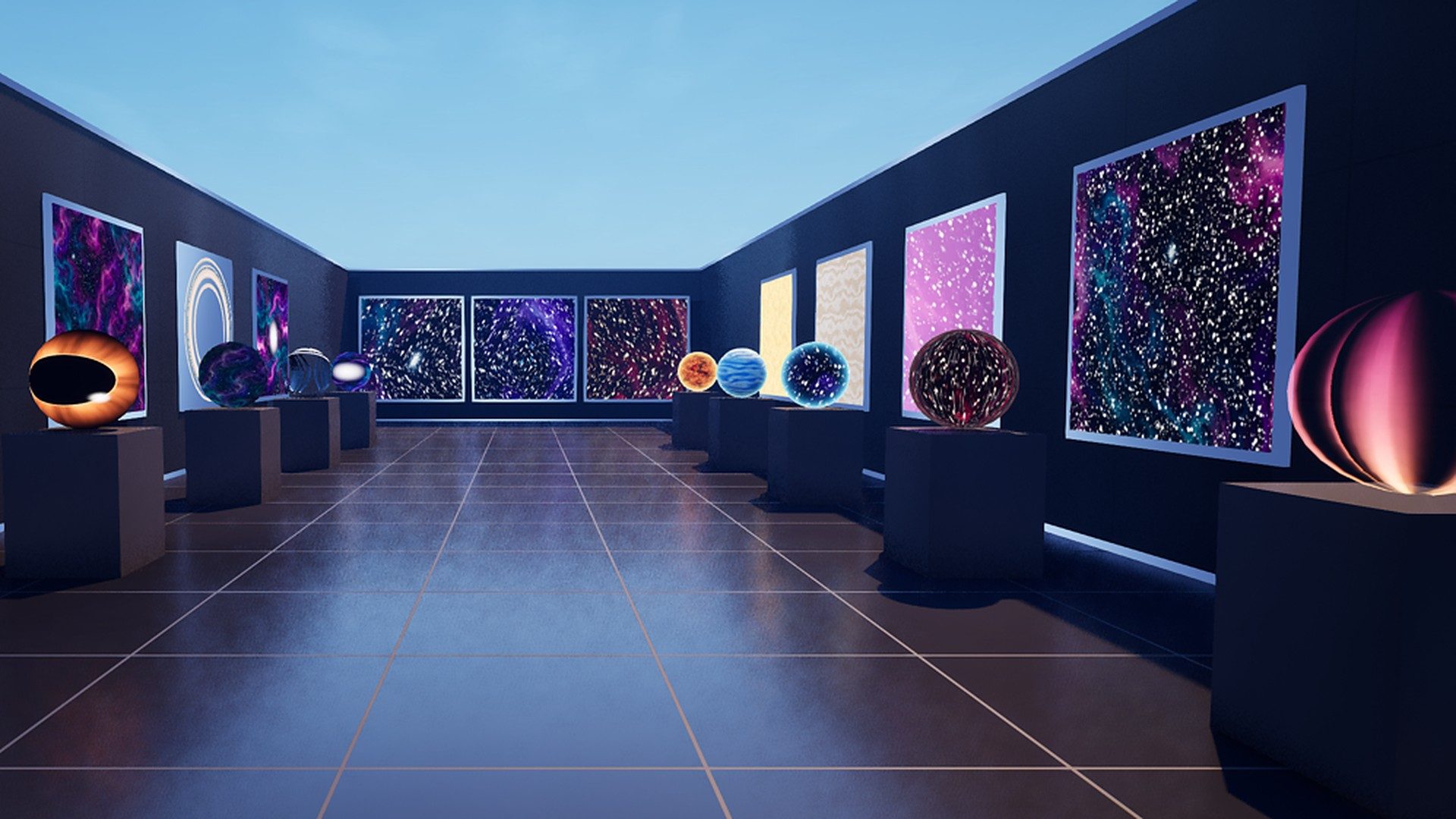
A walkable demo gallery shows the devices working in the map. The demo content is not needed in your own project.
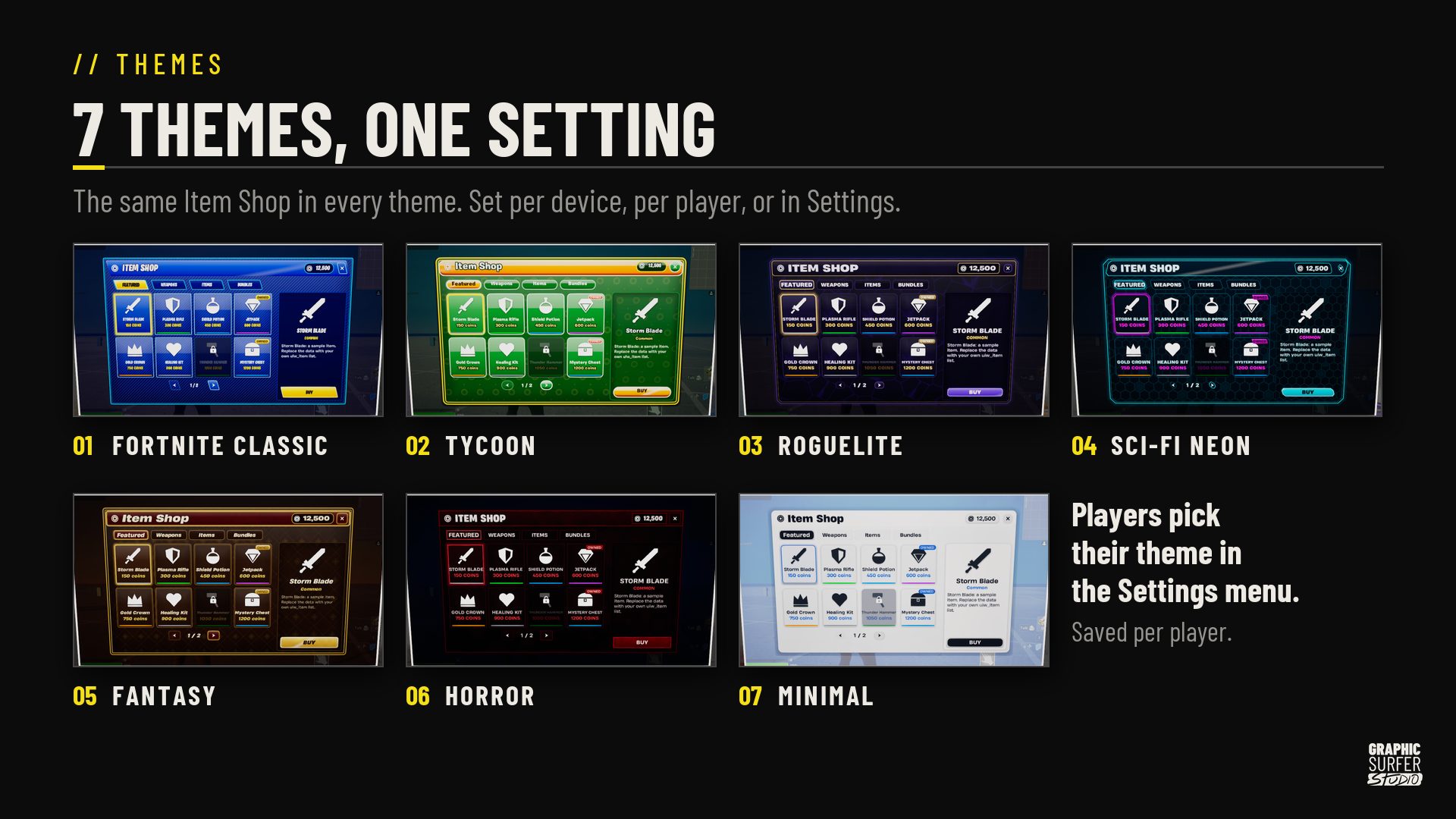
One setting,
seven looks
Fortnite Classic, Tycoon, Roguelite, Sci-Fi Neon, Fantasy, Horror and Minimal. Set the theme per device, or let players pick in the Settings menu; the choice is saved.
Copy
Copy the Core, Systems and Themes folders and the three root Verse files into your project. Keep the folder layout. The demo content stays out.
Build
Turn on the project settings listed in the Quick Start, restart UEFN and build Verse.
Place
Drag a device into your level, pick its Skin in the Details panel and edit its lists there. Launch your session.
Read it
first.
Two designed PDFs ship with the kit.
All 29 devices.
One purchase.
Six device groups, 29 devices, seven themes and one shared save ship in the one kit.
Economy
Store · Crafting · Upgrades · Rebirth · Daily Rewards · Reward Choice
Progression
Battle Pass · Objectives · Quest Log · Skill Tree
Menus
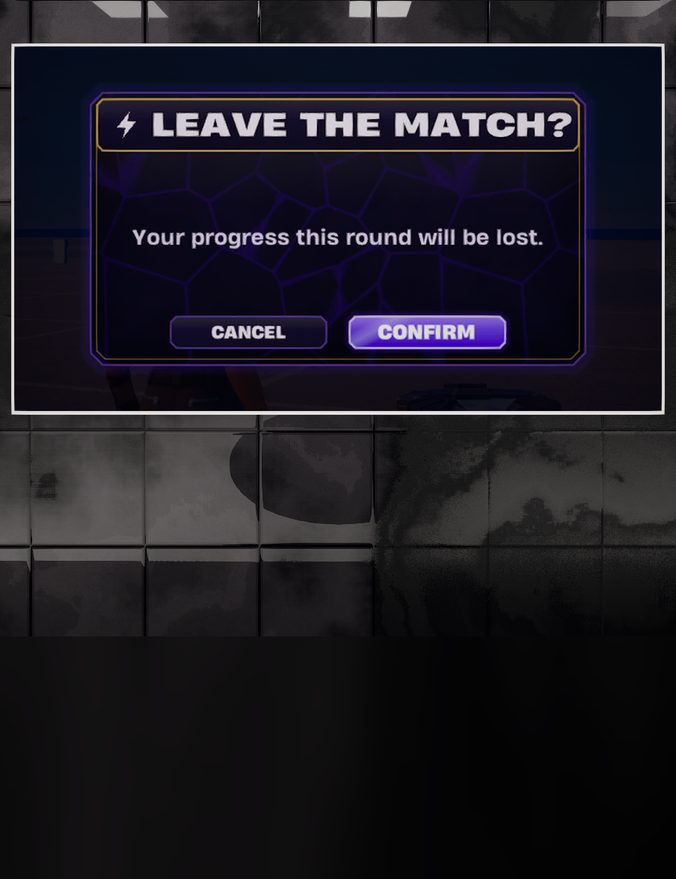
Backpack · Class Select · Confirm · Loadout · Main Menu · Pause Menu · Settings
HUD
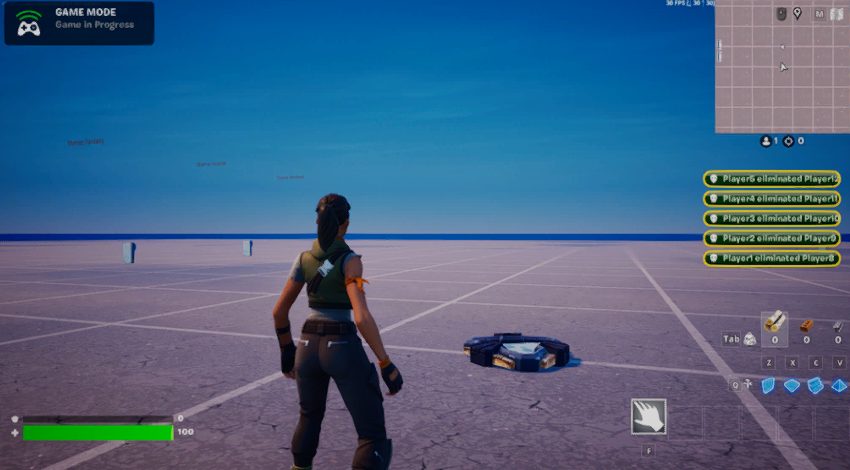
Boss Bar · Interact · Kill Feed · Toast · Top Bar · Vitals
Social
Dialogue · Leaderboard · Vote
Flow
Countdown · Round Results · Tutorial
What you get
- 29 Verse devices, each with its own .verse file
- Seven themes (203 skin widgets), one shared save and a 752-item database
- A walkable demo gallery (demo content is not needed in your own project)
- Quick Start (17 pages) and Reference (172 pages) PDFs
- A UEFN Source asset on Fab: fully editable in UEFN, reviewed by the Fab team, and licensable from inside UEFN. It uses the standard Fab licence, with a Personal tier (buyers up to $100k revenue in the last 12 months) and a Professional tier.
Which UEFN version?
Built for current UEFN.
Any dependencies?
No device needs another device. Your project needs Persistence available. Twelve devices that give, take or show real items (Backpack, Battle Pass, Class Select, Crafting, Daily Rewards, Loadout, Objectives, Quest Log, Reward Choice, Round Results, Skill Tree and Store), plus Main Menu, also need Custom Items and Inventory on and Custom Inventory Configuration set to BR. Crafting set to Stat needs a Stat Creator device in the level.
License?
A UEFN Source asset on Fab: fully editable in UEFN, reviewed by the Fab team, and licensable from inside UEFN. It uses the standard Fab licence, with a Personal tier (buyers up to $100k revenue in the last 12 months) and a Professional tier.
Support?
Questions, bug reports and requests go through the studio Discord or hi@graphicsurferstudio.com. Quick Start and Reference PDFs ship with the kit.
Coming soon on FabGet it on Fab
No store page yet. Join the Discord to hear the moment it goes live.Live on Fab now. Questions go through the Discord.